
Good captions for your pet's 15-second zombie dance include "Paws and claws doing the Thriller," "My dog is the lead zombie tonight," or "When the cat hears the Halloween music."

Sharing a 15-second video of your pet or yourself doing the Thriller zombie dance requires a good caption. You have the video, and now you need the text to post alongside it. Whether you are sending it to a family group chat or posting it on a social media feed, the right words make the visual clear.
What are the best captions for a dog's Thriller dance?
Dogs bring a specific energy to a zombie dance. When you use a photo of your dog to generate the video, the resulting 15-second clip shows them standing upright and doing the famous choreography. Here are concrete caption ideas for a dog's Thriller video:
- "The mailman does not stand a chance against this zombie."
- "Trading treats for brains tonight."
- "When I say 'sit,' but the Thriller bass drops."
- "A 15-second zombie dance from the goodest boy."
- "He learned the Thriller routine at obedience school."
- "Paws, claws, and zombie jaws."
- "Golden Retriever by day, lead zombie by night."
- "This is what happens when you feed the dog after midnight."
- "My dog has better rhythm as a zombie than I do alive."
- "The neighborhood squirrels are terrified of this new dance."
- "Just a dog doing the Thriller dance."
- "Zombie mode activated for the next 15 seconds."
- "He usually begs for food, but today he dances for it."
- "The only zombie dog that still wants belly rubs."
- "I threw the ball, and he did the Thriller dance instead."
- "Walking the dog just got a lot more complicated."
- "He is a rescue dog, but now he is rescuing the dance floor."
- "My terrier takes Halloween very seriously."
- "A 15-second performance by the household guard dog."
- "Do not let the zombie outfit fool you, he is still afraid of the vacuum."
If you want to make yours, you just need one clear photo of your dog facing the camera. The AI will turn that single image into the dancing animation. If you want more specific tips on preparing the photo of your dog, read our Pet Thriller Dance AI page.
Which captions fit a cat's zombie dance video?
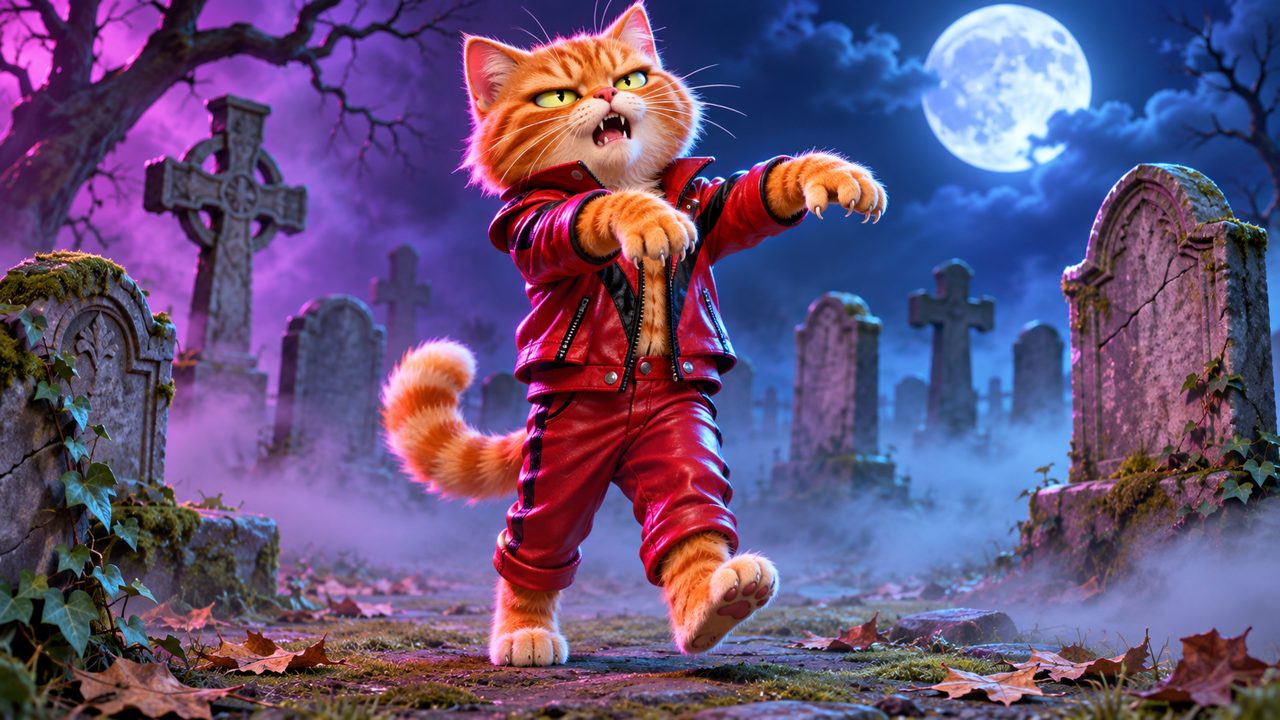
Cats naturally look a bit aloof, which makes their transition into a dancing zombie very distinct. A cat doing coordinated choreography is unexpected. Use these captions when you share your cat's video:
- "She finally stood up, and it was to do the Thriller dance."
- "Nine lives, and she spends this one as a dancing zombie."
- "The catnip hit differently today."
- "My indoor cat leading the undead."
- "You can tell by the eyes that she planned this choreography."
- "A 15-second Thriller dance from the ruler of the house."
- "Zombie cat does not care about your mouse toy."
- "When the 3 AM zoomies turn into a coordinated zombie routine."
- "Even as a zombie, she ignores my commands."
- "Feline Thriller: 100 percent claws, zero percent hesitation."
- "She knocked a glass off the table and then did this dance."
- "The litter box is clean, so it is time to dance."
- "My cat practicing her moves for the neighborhood stray cats."
- "A 15-second video of my cat actually doing something active."
- "She usually sleeps 18 hours a day, but she woke up for the Thriller."
- "Zombie mode fits her personality perfectly."
- "I bought her a bed, she slept in the box, and then she danced."
- "The laser pointer cannot distract this zombie."
- "Just a normal Tuesday for my orange cat."
- "She demands wet food and a dance floor."
To get this result, upload a photo of your cat. The tool isolates the cat's face and body to map it onto the zombie dancer.
How should I caption a video of myself dancing as a zombie?
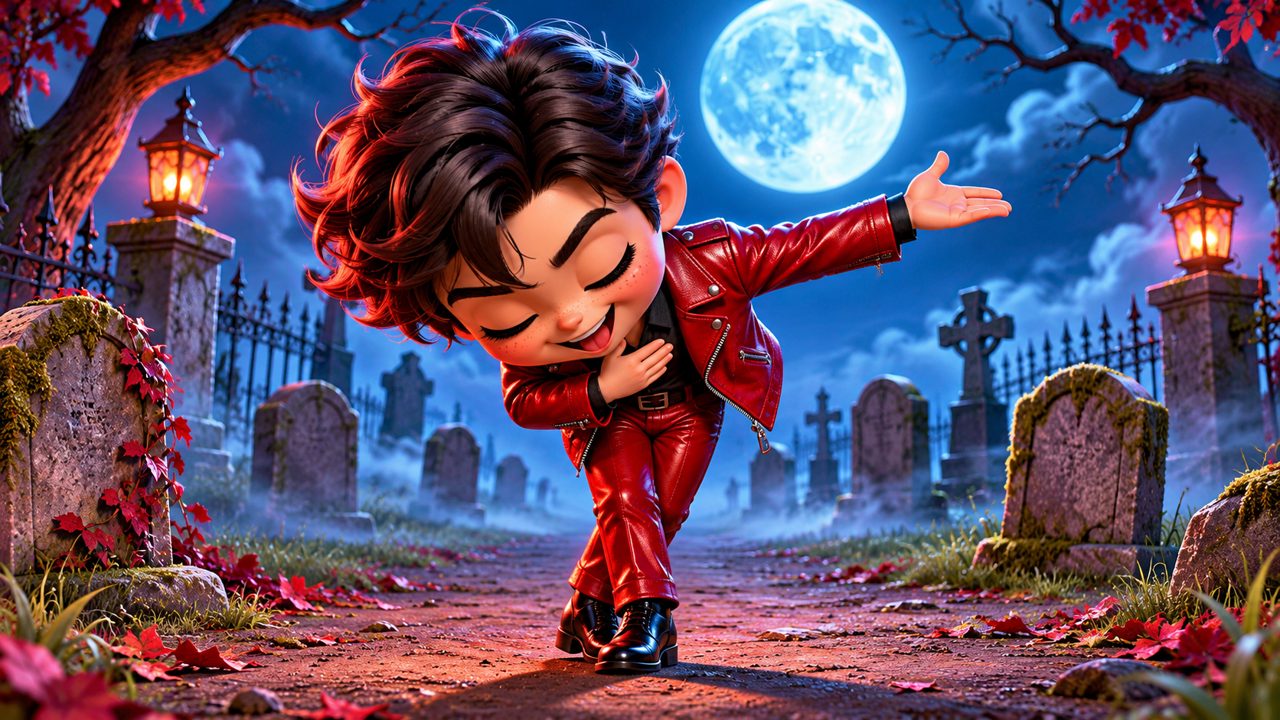
You can also use a photo of yourself. Seeing yourself perform the Thriller routine as a zombie works for self-deprecating humor or celebrating a specific event. Consider these captions for your own video:
- "Me walking into the office on a Monday morning."
- "I paid $5 to see myself dance as a zombie, and it was worth it."
- "My actual dancing skills are worse than my zombie dancing skills."
- "Ready for the Halloween party."
- "This 15-second video is my entire workout for the week."
- "When the coffee has not kicked in but you have to perform."
- "Practicing my Thriller moves from the couch."
- "Me waiting for the pizza delivery."
- "Zombie me has excellent timing."
- "Just an AI turning my selfie into a 15-second Thriller routine."
- "I sent this to my boss to explain why I am late."
- "My family group chat was quiet, so I sent them this."
- "This is how I celebrate finishing a long email."
- "Me trying to stay awake during a three-hour meeting."
- "I do not know the Thriller dance, but my AI zombie does."
- "A 15-second summary of my current mood."
- "When you finally close all your browser tabs."
- "My weekend plans involve doing exactly this."
- "Zombie dancing is my new favorite hobby."
- "I look better as a dancing zombie than I do in my driver license photo."
What occasions work well for a 15-second AI dance video?
You do not have to wait for Halloween to generate and share a zombie dance video. Different occasions fit this specific 15-second format.
Birthdays: Send a video of the birthday person dancing as a zombie to the group chat. Caption it: "Another year older, another year closer to joining the undead. Happy Birthday!"
Work Milestones: When a long project ends, share a video of yourself with the caption: "Project finished. This is my current physical state."
Friday Afternoons: Send a video of your pet to your coworkers. Caption it: "Leaving the office on Friday looking like this."
Random Tuesdays: Sometimes people just want to see a cat doing the Thriller dance. Caption it: "Nothing much going on today, so here is my cat dancing."
Here is a table matching the platform to the type of caption that works best:
| Platform | Audience | Caption Style | Example |
|---|---|---|---|
| Group Text | Family and Friends | Direct and personal | "Look what I made the dog do." |
| Work Chat | Coworkers | Professional humor | "My status after the 2 PM meeting." |
| Video Feed | General Public | Short and descriptive | "15-second cat zombie dance." |
| Photo Feed | Followers | Story-driven | "Tried to take a normal photo, ended up with a Thriller video." |
| Relatives | Explanatory | "I used a photo of myself to make this video." |
How do you make the video to go with these captions?
To use these captions, you first need the video. You can create the video directly on our site. The process requires one photo of your pet or yourself. You upload the photo, and the tool processes it into a 15-second Thriller zombie dance video.
You sign in using Google or email. The cost for one Thriller Dance Video is $5.00 one-time. When you pay this $5.00 through FloatPass, you receive 60 credits. These 60 credits are valid for 365 days from the date of purchase. You can read more about this on our pricing page.
The 15-second duration is fixed. The choreography follows the classic Thriller zombie dance moves. You do not need to adjust settings or edit the video timeline. The AI handles the mapping of your uploaded photo onto the dancing figure. For a detailed walkthrough of the process, you can read our Thriller dance AI guide.
When selecting a photo to upload, choose one with good lighting. The face of the person or pet should be clearly visible. Shadows across the face can make the final video look muddy. A straight-on angle works better than a profile shot because the AI needs to map the facial features to the forward-facing zombie dancer. A clear background also helps the tool isolate the subject faster.
Once the video finishes generating, you download the file. You can then upload this file to your chosen platform, type in one of the captions listed above, and hit publish. The file format is standard, so it will play in text messages, emails, and social media apps.
Where else do people look for AI video tools?
People searching for ways to animate photos or create AI videos often look at a variety of platforms. Some people look at kling.ai or mangoanimate.com when researching animation tools. Others check viggle.ai or magiclight.ai for different types of AI video generation. Additionally, capcut.com and easemate.ai are places people also look when they want to edit or generate video content. We focus entirely on turning one photo into a 15-second Thriller zombie dance video.
If you are ready to put these captions to use, find a clear photo of your dog, your cat, or yourself. Think about who you want to send the video to and which caption fits their sense of humor. Then, upload your photo, pay the $5.00 one-time fee through FloatPass, get your 60 credits, and generate your 15-second video to share.
Frequently asked questions
How much does a Thriller dance video cost?
One Thriller Dance Video costs a $5.00 one-time payment. This purchase gives you 60 credits.
How long are the credits valid?
The 60 credits you receive are valid for 365 days.
How do I sign in to the site?
You can sign in using your Google account or your email.
How long is the Thriller dance video?
The generated Thriller zombie dance video is 15 seconds long.
What payment processor do you use?
We process all payments through FloatPass.