You can animate a still photo into a dancing zombie by manually rigging it in animation software, adjusting pre-made templates, or processing it through AI video generators.
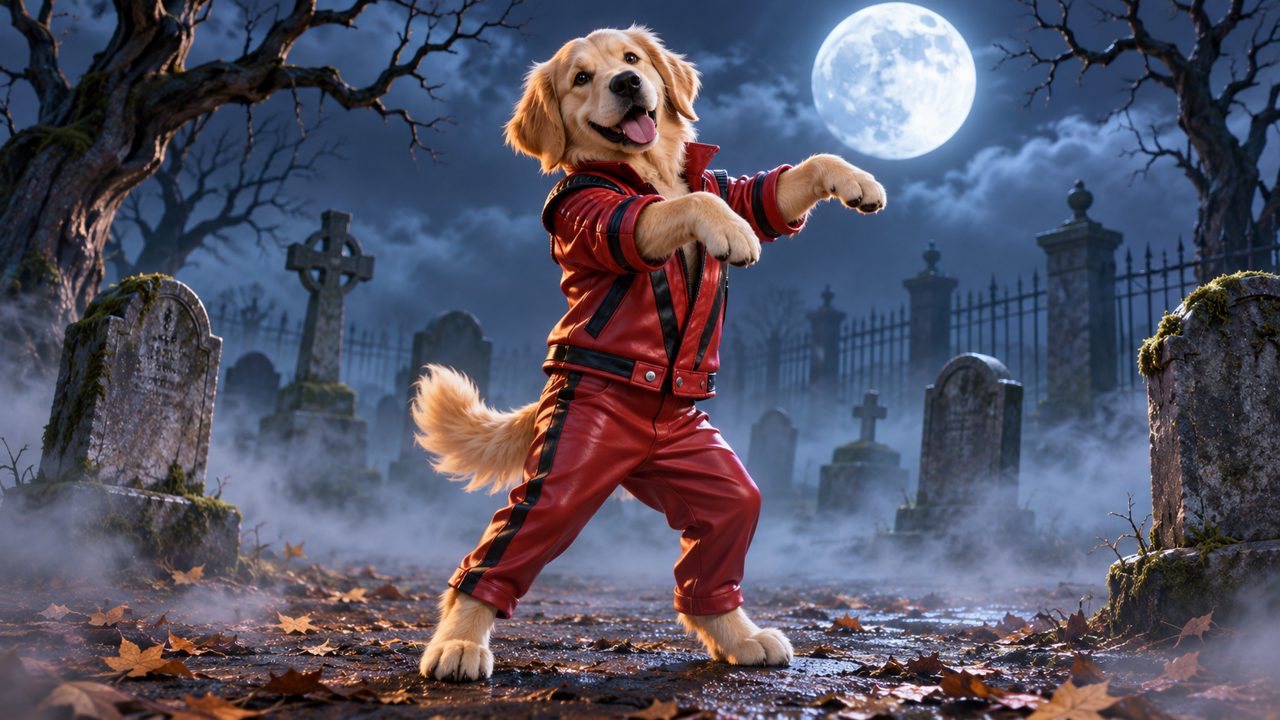
Animating a single, static photograph into a moving video requires separating the subject from the background and applying motion to the subject's limbs. When the goal is a specific, complex routine like a zombie dance, the animation process involves mimicking distinct, jerky movements, wide stances, and clawed hands. You can achieve this through manual animation, pre-made software templates, general video generation applications, or a dedicated tool built specifically for this dance.
How do you manually rig a photo for a zombie dance?
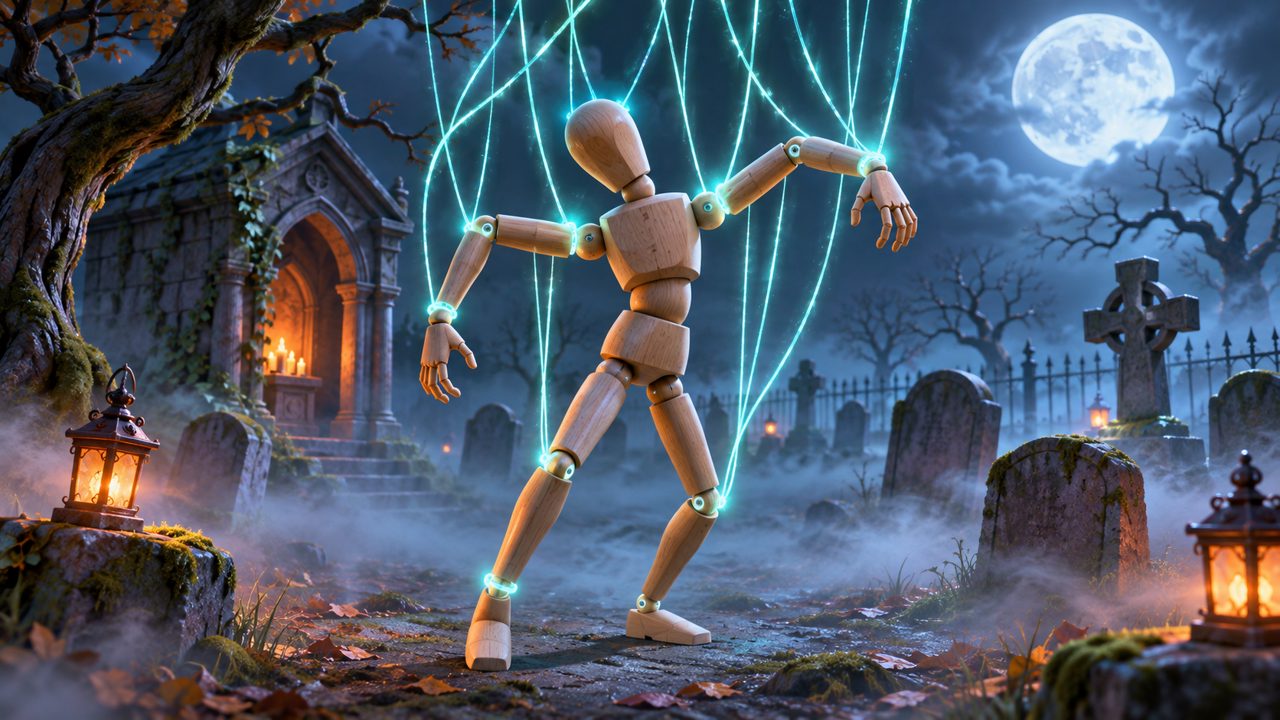
Manual animation requires specialized software like Adobe After Effects, Spine 2D, or Blender. The first step in this process is isolating the subject. You must use a masking or pen tool to cut out the person or pet from the original photograph. Once you remove the subject, you are left with an empty space in the original background. You must then use clone stamp or content-aware fill tools to paint in the missing background pixels so that when the subject moves, a complete scene remains behind them.
After preparing the image files, you must cut the subject into individual body parts. For a human, this means cutting the photo into separate layers for the head, torso, upper arms, lower arms, hands, thighs, calves, and feet. You then import these layers into your animation software and arrange them back into a complete figure.
To make the figure move, you build a digital skeleton, a process called rigging. You place anchor points at the joints: the shoulders, elbows, wrists, hips, knees, and ankles. You link these points together so that pulling a hand layer also pulls the attached lower arm layer.
Finally, you animate the zombie dance by setting keyframes on a timeline. You must manually position the limbs to match the specific poses of the routine. You move the arms up into a claw position, set a keyframe, move ten frames forward on the timeline, and drop the arms to set another keyframe. You repeat this process for the shoulder pops, the stiff-legged walks, and the head jerks. This method gives you complete control over every pixel and movement, but it requires extensive software knowledge and can take days to complete a short video sequence.
What role do animation templates play?
If you want to avoid keyframing every movement by hand, you can use animation templates. These are project files created by professional animators and sold or shared online. The animator has already built the skeleton and plotted all the keyframes for the zombie dance on a timeline.
To use a template, you still need to manually cut your subject out of the photograph and separate the limbs into different layers. Once you have your isolated body parts, you open the template file and replace the template's placeholder graphics with your own image layers.
You then spend time adjusting the anchor points. Because the template was built for a generic body shape, the joints will not perfectly align with your specific photo. You must move the template's elbow joint to match the elbow in your photo, and do the same for the knees, hips, and neck. If the proportions of your subject are very different from the template, the resulting animation may stretch or tear the image layers.
Templates reduce the time spent on the timeline, but they still require photo editing skills and animation software. Furthermore, templates are almost exclusively built for human proportions. If you want to animate a dog or a cat, a human template will distort the animal's body to force it to stand on two legs with human joint placement.
How do mobile apps and general AI video generators work?
People looking for automated ways to animate photos often look at general video generation platforms. When searching for these tools, people also look at kling.ai, viggle.ai, mangoanimate.com, freebeat.ai, magiclight.ai, and aireel.net.
General AI video generators work by analyzing a source image and a text prompt or a reference video. If the platform relies on text prompts, you upload your photo and type a description of the movement you want. The AI attempts to interpret the text and apply that motion to the image. Because the zombie dance involves very specific, synchronized movements, text prompts often struggle to produce the exact routine, resulting in generic dancing or distorted limbs.
If the platform uses video-to-video motion transfer, you must upload your still photo and a separate video clip of a person performing the zombie dance. The AI analyzes the movements of the person in the reference video and attempts to warp and animate your still photo to match those movements. Finding a clean, unobstructed 15-second clip of the dance to use as a reference is a necessary step in this process. The success of this method depends heavily on the quality of the reference video and how well the AI handles the specific clothing and background in your original photo.
How does AI Thriller Dance make a 15-second video?
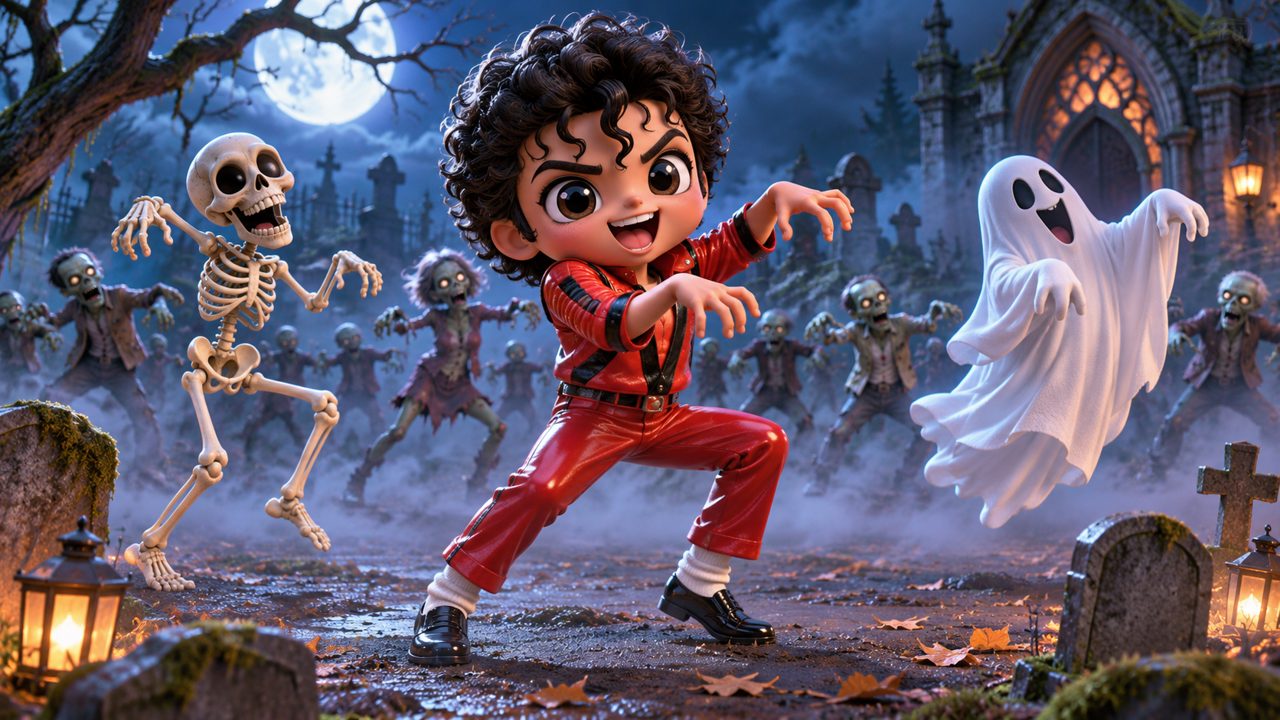
Instead of general prompts or manual rigging, you can use a dedicated tool to make yours. The AI Thriller Dance Generator is built to perform one specific task: turn one photo of your pet or yourself into a 15-second Thriller zombie dance video.
The process requires no software installation or manual photo editing. You navigate to the tool, sign in using Google or an email address, and upload your single photograph. The tool handles the background separation, the limb identification, and the application of the specific dance movements automatically.
Unlike manual templates that struggle with non-human subjects, this tool is designed to work with animals as well as people. You can read more about how to use photos of your cat or dog on the Pet Thriller Dance AI page. The output is a complete 15-second video showing the subject performing the routine.
To use the generator, you purchase credits. One Thriller Dance Video costs $5.00 as a one-time payment. This payment gives you 60 credits. The credits you purchase are valid for 365 days. All payments on the site are processed securely through FloatPass. You can review this cost structure on the pricing page.
What are the trade-offs between these methods?
Every method for animating a photo involves a different balance of time, required skill, and cost.
| Method | Skill Required | Time to Create | Subject Type |
|---|---|---|---|
| Manual Rigging | High (Animation Software) | Days | Human or Pet |
| Animation Templates | Medium (Photo Editing) | Hours | Human only |
| General AI Generators | Low (Prompting/Finding References) | Minutes | Varies by platform |
| AI Thriller Dance | None | Minutes | Human or Pet |
Manual rigging provides total control but demands days of labor and expensive software. Templates save time on the timeline but still require you to cut apart photos and adjust joints by hand. General AI tools eliminate the manual labor but introduce trial and error with text prompts and reference videos. The dedicated AI Thriller Dance tool removes the manual labor and the prompting trial and error, but it is restricted to producing only the 15-second zombie dance routine.
How do you choose the right method for your photo?
If you are a professional animator who needs to adjust the exact angle of a wrist during a specific frame of the dance, manual rigging in After Effects or Spine 2D is the necessary path. If you have some photo editing experience and want to save time, a template can work, provided your photo is of a human with standard proportions.
If you want to read more details about the automated process, you can check the Thriller dance AI guide on the site's blog. If you want to skip the software, the cutting, and the keyframes entirely, you can upload your photo to the generator, pay the $5.00 fee via FloatPass, and receive your 15-second video.
Frequently asked questions
How much does a Thriller dance video cost?
One Thriller dance video requires a $5.00 one-time payment. This payment provides you with 60 credits.
How long is the generated zombie dance video?
The tool generates a 15-second Thriller zombie dance video from your uploaded photograph.
What kind of photos can I use?
You can use one photo of yourself or a photo of your pet to create the dance video.
How do I pay for the video?
All payments for the video credits are processed through FloatPass.
How long are my credits valid?
The 60 credits you receive for your payment are valid for 365 days.
How do I sign in to the site?
You can sign in to the website using your Google account or your email address.