
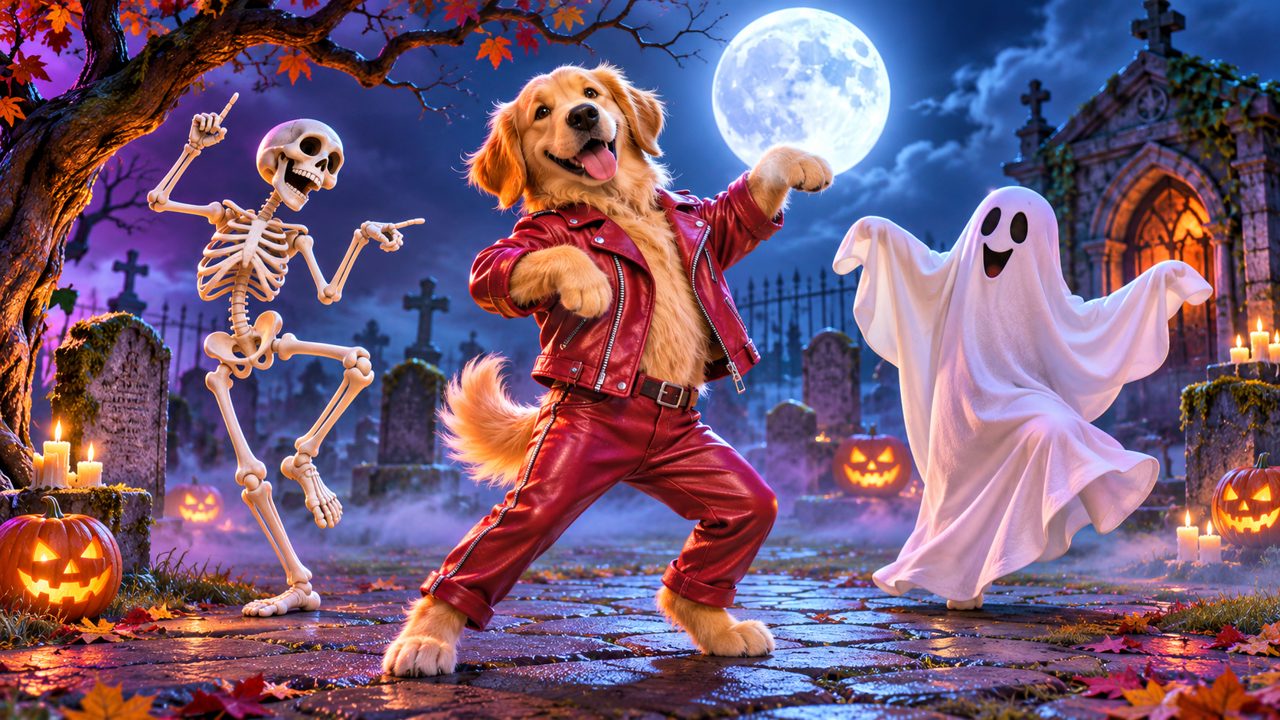
AI Thriller Dance is a dedicated tool that turns one photo of your pet or yourself into a 15-second Thriller zombie dance video for a $5.00 one-time fee.
What should you look for in a zombie dance video generator?
When you want to turn a photo into a dancing video, you need to evaluate tools based on a few specific criteria. The first criterion is the input requirement. Some tools require you to upload multiple angles, a 3D scan, or a video of the subject. Others require only a single still image. If you only have one photo of your subject, you need a generator that operates on a single image. You must check the exact input specifications before you decide to use a tool.
The second criterion is the subject matter. You might want to animate a person, or you might want to animate an animal. Not all video generators process animal faces and body shapes. If your goal is to see your dog or cat dancing, you must find a tool that explicitly accepts pet photos. If you want to animate a picture of yourself, the tool must be built to handle human images.
The third criterion is the output format and length. You need to know exactly what the resulting video will show and how long it will last. For a specific theme like a zombie dance, the tool needs to apply that exact choreography. The duration of the output video is also a fixed metric to check. A video might last five seconds, ten seconds, or fifteen seconds. Knowing the exact duration helps you understand what you will receive at the end of the process.
The fourth criterion is the pricing structure. Software pricing comes in many forms. Some tools require a monthly subscription that automatically renews. Others operate on a pay-as-you-go or one-time payment model. You also need to look at how the payment translates into usage. Some services issue credits, and you need to know how many credits you receive, how much they cost, and how long those credits remain valid before they expire.
The fifth criterion is the technical setup for accounts and payments. You will need to know how to log in, whether that requires creating a new username and password or using an existing account provider. You also need to know the payment processor to ensure you can complete the transaction securely.
By defining your needs across input, subject, output, pricing, and account setup, you can evaluate any tool you find.
How does AI Thriller Dance handle video generation?
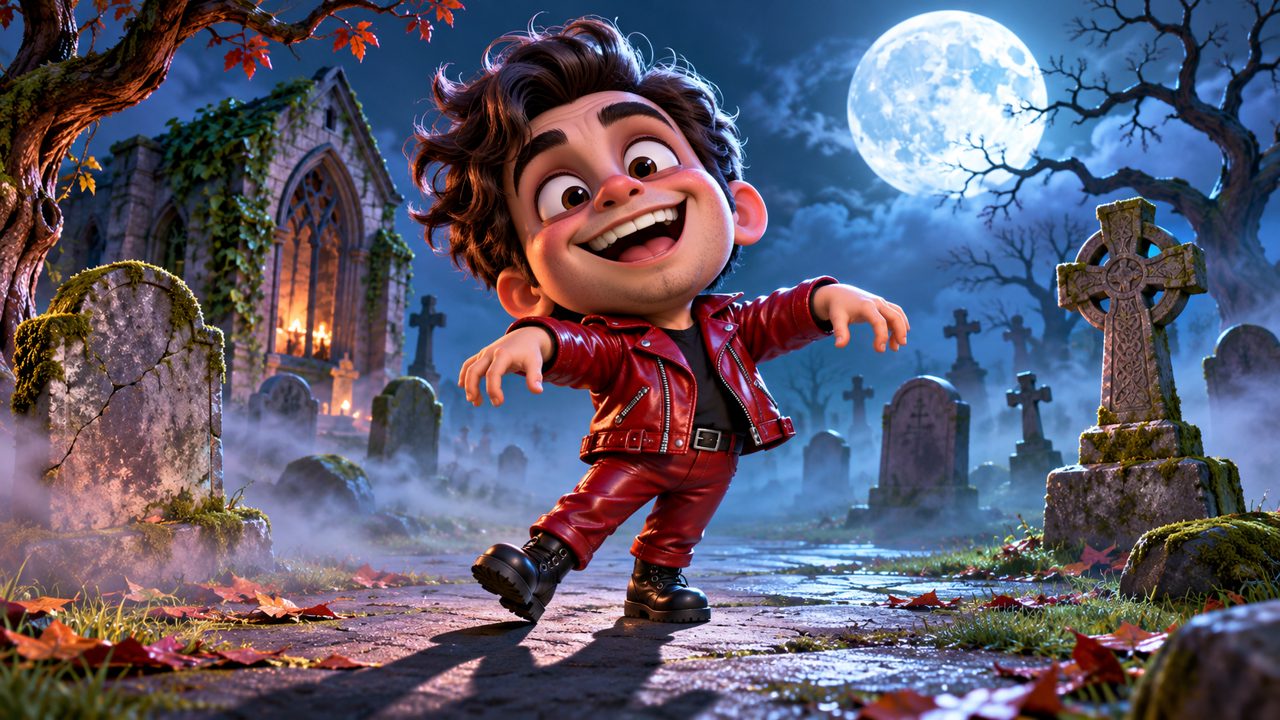
When you evaluate AI Thriller Dance against the criteria for input, it requires exactly one photo. You do not need to provide a video, multiple photos, or a 3D model. You upload one single image to the system to begin the generation process.
For the subject matter, AI Thriller Dance processes photos of yourself or your pet. You can use an image of a human, or you can use an image of a cat or a dog. If you want to see an animal perform the routine, you can read more about the Pet Thriller Dance AI. The system is built to handle these specific types of subjects.
Regarding the output, the tool generates a 15-second Thriller zombie dance video. The choreography is specifically the Thriller zombie routine. The final video file has a duration of exactly 15 seconds. If you want to start this process, you can make your video here.
The system is built entirely around this one specific input and output. It takes the one photo of the human or pet and applies the 15-second zombie dance animation to that image. You can read more about the exact process in our Thriller dance AI guide.
What does it cost to generate a Thriller dance video?
Pricing for AI Thriller Dance is structured as a one-time payment. The cost is $5.00. This is not a recurring monthly subscription. You pay the $5.00 fee one time for the transaction. You do not have to worry about canceling a subscription later.
When you pay the $5.00, you receive 60 credits in your account. These 60 credits are the currency used to generate the 15-second Thriller dance video. You can find more details on the pricing page.
Another factor in the pricing structure is the validity period of the credits. The 60 credits you receive for your $5.00 payment remain valid for 365 days. You have one full year from the date of purchase to use the credits to generate your video. After 365 days, the credits expire. This gives you a specific window to choose the photo of yourself or your pet and run the generator.
How do you sign up and pay for the service?
To use the AI Thriller Dance generator, you must sign in to the site. The site provides two methods for signing in. You can sign in using your Google account, or you can sign in using an email address. There are no other social media login options provided.
Once you are signed in and ready to purchase your 60 credits, you will proceed to the payment step. Payments on AI Thriller Dance are processed through FloatPass. FloatPass handles the transaction for the $5.00 one-time fee. You do not set up a recurring payment profile, as the fee is a single charge.
If you have questions about your account, your FloatPass payment, or your credits, you can reach out via email. The contact address for the site is contact@aithrillerdance.com. The site is also available in two languages: English (en) and Chinese (zh).
How does AI Thriller Dance compare on key criteria?
To help you decide, here is a comparison table showing the known facts about AI Thriller Dance based on the criteria discussed earlier. The table also lists other tools people look at, though you will need to check their respective sites for their specific facts.
| Criterion | AI Thriller Dance | Other Tools |
|---|---|---|
| Input required | One photo | Check their sites |
| Subject | Yourself or your pet | Check their sites |
| Output | 15-second Thriller zombie dance video | Check their sites |
| Price | $5.00 one-time | Check their sites |
| Credits | 60 credits | Check their sites |
| Credit validity | 365 days | Check their sites |
| Payment processor | FloatPass | Check their sites |
| Sign-in methods | Google, email | Check their sites |
| Languages | en, zh | Check their sites |
This table outlines the exact specifications of the AI Thriller Dance tool. You pay $5.00 through FloatPass, receive 60 credits valid for 365 days, log in via Google or email, upload one photo of yourself or a pet, and receive a 15-second Thriller zombie dance video.
Where else do people look for AI dance generators?
When searching for tools to animate photos, people look at several different websites. Some of the domains people also check include kling.ai, freebeat.ai, magiclight.ai, viggle.ai, dreamfaceapp.com, and wigglepet.app.
We do not have the facts regarding the prices, features, input requirements, output durations, or payment processors for kling.ai, freebeat.ai, magiclight.ai, viggle.ai, dreamfaceapp.com, or wigglepet.app. If you want to know if they accept pet photos, if they generate 15-second videos, or if they charge a one-time fee, you will need to visit those domains directly. They are simply other places people look when trying to find an AI generator to make a video from a photo.
How do you start making your zombie dance video?

If the criteria for AI Thriller Dance match your needs, the process to start is straightforward. You first need to select the photo you want to use. Remember that the tool requires exactly one photo, and the subject can be either yourself or your pet.
Next, you sign in to the site using either your Google account or your email address. Once signed in, you pay the $5.00 one-time fee through FloatPass. This transaction adds 60 credits to your account. You have 365 days to use these 60 credits.
You then upload your chosen photo to the generator. The system processes the image and outputs your 15-second Thriller zombie dance video. You can find more articles about this process on our blog. If you need assistance at any point, you can contact support at contact@aithrillerdance.com.
Frequently asked questions
How many photos do I need to make a Thriller dance video?
You only need one photo. The AI Thriller Dance generator turns one photo of yourself or your pet into a video.
Can I make a zombie dance video of my dog or cat?
Yes, the tool works on pets. You can upload one photo of your pet to create the video.
How long is the final dance video?
The generator produces a 15-second Thriller zombie dance video.
How much does it cost to use AI Thriller Dance?
It costs a $5.00 one-time fee. This payment gives you 60 credits in your account.
How long do my credits last before they expire?
The 60 credits you receive are valid for 365 days from the date of purchase.
What payment methods and logins are accepted?
You sign in using Google or email. Payments are processed through FloatPass.