You can hire a video editor to composite your face onto a dancer, use a face-swapping template app, or upload a single photo to an AI video generator.
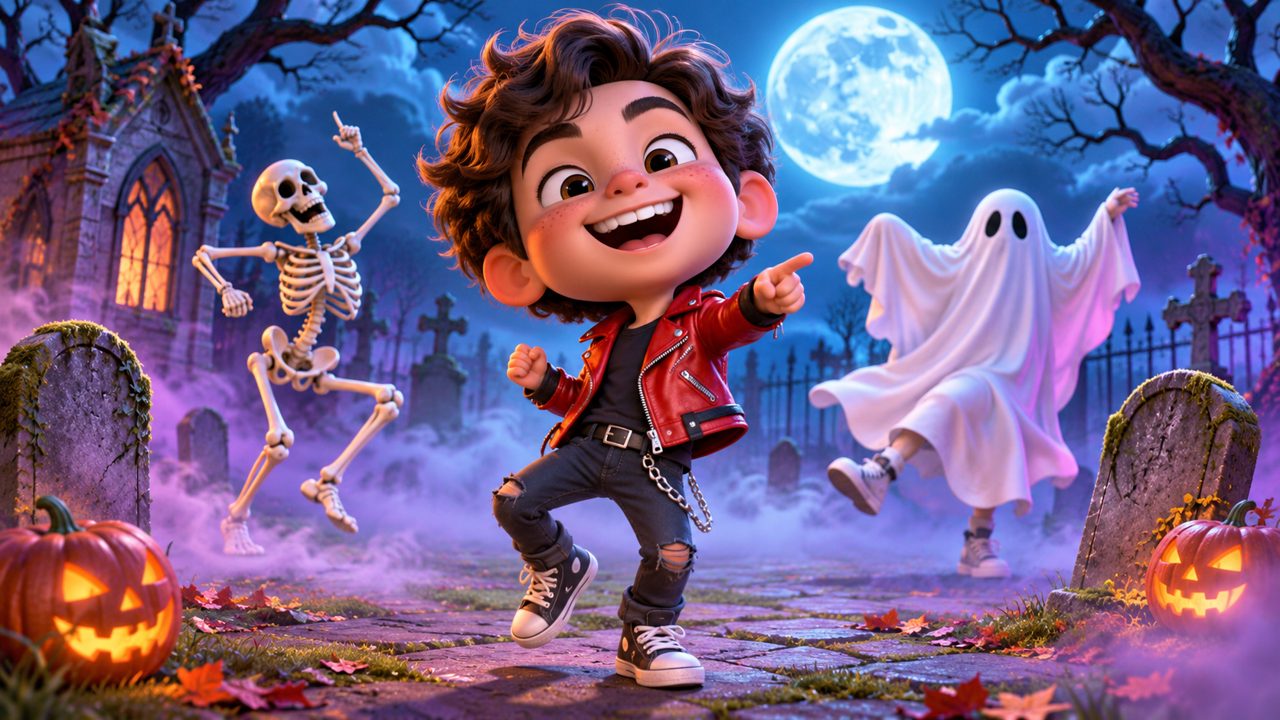
Learning the choreography for the Thriller dance takes time, physical coordination, and practice. The routine involves precise timing, sharp shoulder movements, and coordinated footwork. If you want a video of yourself or your pet performing this specific routine without spending weeks rehearsing in a studio, you have to rely on video manipulation.
There are three main ways to get a video of yourself doing the Thriller dance without learning the moves: manual video editing, face-swap templates, and AI video generation. Each method requires different inputs, takes a different amount of time, and produces a different type of final video.
How does manual video editing work for dance videos?
Manual video editing involves taking existing footage of a professional dancer performing the Thriller routine and digitally replacing their head with yours. This method relies on compositing software like Adobe After Effects or Nuke.
First, you need source footage. You must find a high-quality video of a dancer performing the exact Thriller routine you want. The dancer should ideally have a similar body type to yours. Next, you need footage of your own head. You must record yourself moving your head in the same angles and lighting conditions as the dancer in the source video.
The video editor then imports both videos into the compositing software. They use motion tracking tools to follow the movement of the dancer's neck and head throughout the routine. The Thriller dance has fast, snapping head movements, which makes tracking difficult. The tracking software often loses the target during fast motion blur, requiring the editor to manually adjust the tracking points frame by frame.
Once the motion path is tracked, the editor masks out your head from your footage and attaches it to the tracked motion path on the dancer's body. They must then perform color correction to ensure your skin tone matches the dancer's skin tone. They also need to match the lighting direction, the contrast levels, and the film grain or digital noise of the original footage. If the dancer's original head peeks out from behind your pasted head, the editor must use cloning tools to paint out the original head and reconstruct the background behind it.
The trade-off for manual editing is time and skill. A 15-second video can take a professional editor several days to track, composite, and render. You either need advanced technical skills to do this yourself or the budget to hire a professional video editor. The result can look realistic, but your body and clothing will be those of the original dancer, not your own.
What are face-swap templates and apps?
Face-swap templates are automated tools found in mobile applications and web platforms. People looking for quick face replacements often check sites like dreamfaceapp.com, wigglepet.app, or magiclight.ai. These platforms offer pre-made video templates.
The process is simple. The app provides a pre-recorded video of a dancer doing the Thriller routine. You upload a single, static 2D photograph of your face. The software uses facial recognition to locate your eyes, nose, mouth, and jawline. It then stretches and maps your 2D photo onto the 3D moving head of the dancer in the template.
Because the entire process is automated, you can get a video in a few minutes. You do not need any video editing skills. The software handles the tracking and the masking automatically.
However, the trade-offs are significant. Mapping a static 2D image onto a moving 3D object often causes distortion. When the dancer in the template turns their head to the side, your 2D photo stretches, making your face look flat or warped. The apps generally do not match skin tones perfectly, resulting in a visible line between your uploaded face and the dancer's neck.
Furthermore, just like manual editing, face-swap templates only change the face. The body, the height, the weight, and the clothing belong to the dancer in the original template. If the dancer is wearing a red leather jacket, you will be wearing a red leather jacket in the final video, regardless of what you were wearing in your uploaded photo.
How do AI video generators create dance videos?
AI video generation takes a different approach. Instead of pasting your face onto an existing video, AI models generate entirely new video frames based on your photograph and a motion map. Users exploring AI video generation might look at platforms like kling.ai, freebeat.ai, or viggle.ai.
In this method, you upload a photograph of yourself. The AI analyzes the image to understand your facial features, your body proportions, and the clothing you are wearing. The system then uses a skeletal motion reference of the Thriller dance. This reference is a digital wireframe that performs the specific zombie dance movements.
The AI applies your appearance to this moving wireframe. It renders a sequence of frames where the subject—wearing your clothes and possessing your body shape—performs the choreography. The AI calculates how your clothing should wrinkle and how shadows should fall across your face as you move.
The main advantage of this method is that the entire subject in the video looks like you, not just the face. Your height, build, and outfit are preserved. The trade-off is that AI generation requires heavy computing power. The rendering process happens on remote servers, and the output quality depends heavily on the clarity of the photograph you upload.
What is the AI Thriller Dance tool?
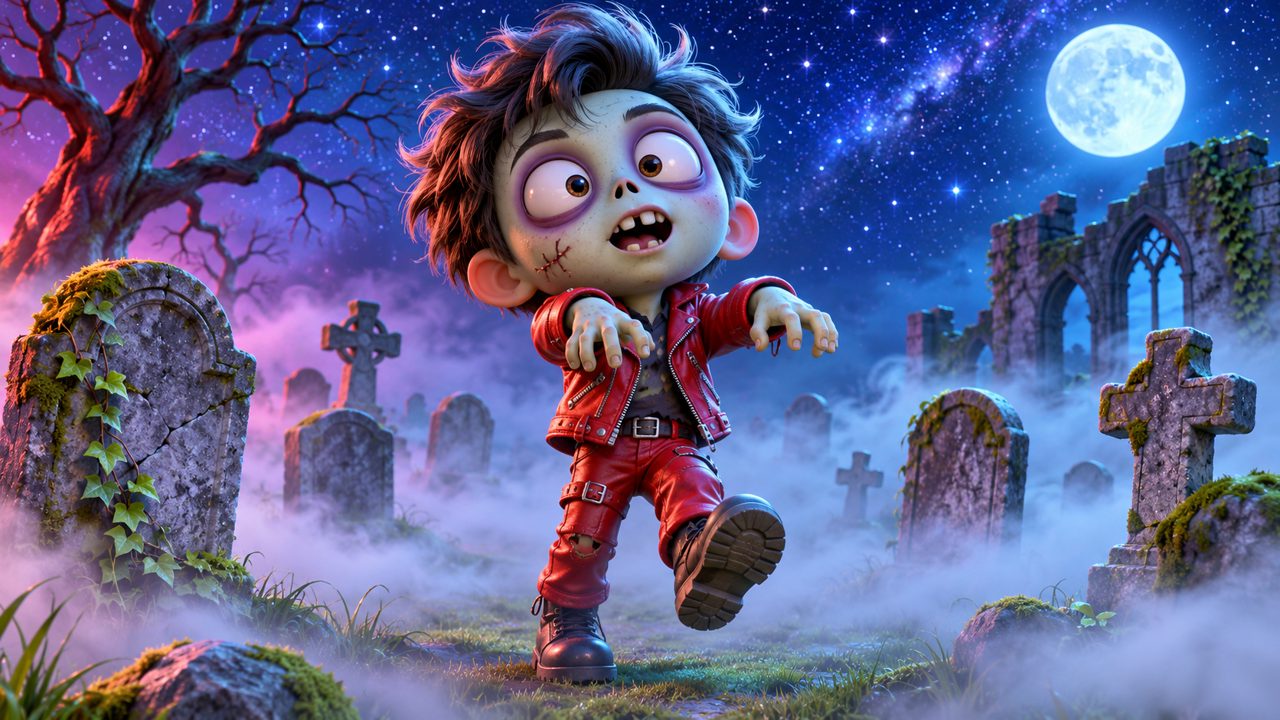
The AI Thriller Dance Generator on this site uses AI image-to-video processing to create a 15-second Thriller zombie dance video from a single photo.
To use the tool, you start by uploading one photo. You must sign in using your Google account or an email address. The generation process requires credits.
The cost for One Thriller Dance Video is a $5.00 one-time payment. This payment is processed securely through FloatPass. Paying the $5.00 gives you 60 credits, which are valid for 365 days from the date of purchase.
Once you have credits, you submit your photo, and the system renders the 15-second video of you performing the zombie routine. You can make yours by visiting the main generator page. If you want to read more about how the process works, you can check the Thriller dance AI guide on our blog.
How do the different methods compare?
The table below outlines the differences between manual editing, face-swap templates, and the AI Thriller Dance generator.
| Method | Input Required | Output Subject | Time to Produce | Technical Skill |
|---|---|---|---|---|
| Manual Editing | Source video + head video | Your head, dancer's body | Hours to days | High |
| Template Apps | One 2D face photo | Your face, dancer's body | Minutes | None |
| AI Thriller Dance | One photo (face and body) | Your face, body, and clothes | Minutes | None |
Manual editing gives you control over every frame but requires time and skill. Template apps are fast but limit the output to the template's body and clothing. The AI generator preserves your full appearance while automating the animation process.
Can you make a pet do the Thriller dance?
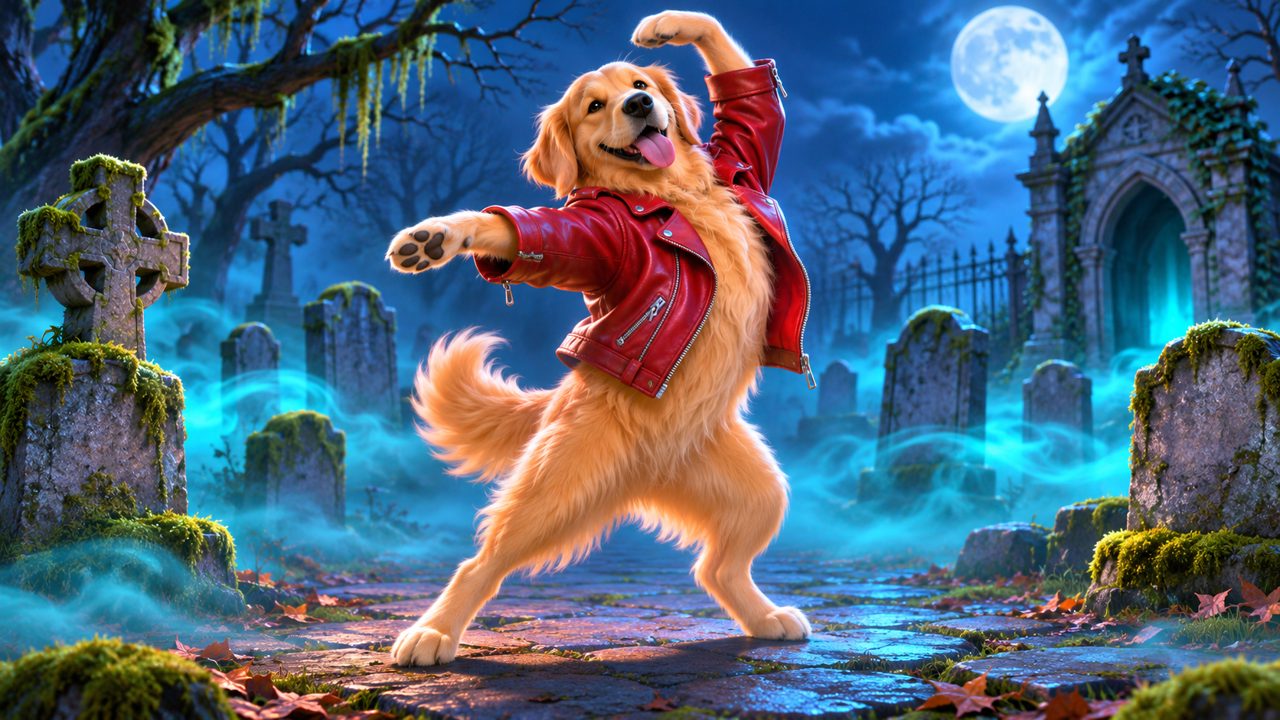
The Thriller choreography was designed for human dancers, but the AI motion mapping process can also apply human movement to animals. You can upload a photo of your cat or dog, and the system will identify the animal's head, torso, and limbs.
The AI maps the human skeletal motion of the zombie dance onto the pet's anatomy. The resulting 15-second video shows your pet standing on its hind legs, performing the distinct arm swings and foot drags of the routine. The system retains the pet's fur patterns, collar, and proportions.
Because animals have different joint structures than humans, the AI adjusts the motion map to fit the animal's body while keeping the recognizable rhythm of the dance. You can learn more about this specific process on the Pet Thriller Dance AI page.
What should you prepare before generating a video?
If you choose to use an AI generator, the quality of your final 15-second video depends entirely on the photo you upload. The AI cannot generate details it cannot see.
First, ensure your photo is well-lit. Diffused, even lighting works best. Harsh shadows across your face or body hide details. If half of your face is in deep shadow, the AI might render the video with a dark patch over that side of your face in every frame.
Second, face the camera directly. The AI needs to see both of your eyes, your nose, and the layout of your clothing. If you upload a profile shot where you are looking away from the camera, the AI lacks the visual data for the other side of your body. It has to guess what that side looks like, which can lead to visual artifacts in the final video.
Third, provide a photo that shows your body. A full-body shot or a waist-up shot gives the AI information about your torso, your arms, and your clothing. If you upload a tight crop of just your face, the AI does not know what you are wearing. It will attempt to invent a body and clothing for the dance, which might not match your actual appearance.
Fourth, avoid cluttered backgrounds. The AI must separate you from the background before it can animate you. If you are standing in a busy room with objects overlapping your arms, the AI might struggle to determine where your arm ends and the background begins. A plain, contrasting background helps the system cut out your silhouette cleanly.
Finally, upload a photo with only one subject. The AI applies the Thriller dance motion to a single person or pet. If you upload a group photo, the system might not know which person to animate, or it might try to merge multiple people into a single moving subject. Keep the photo focused on the one person or pet you want to see doing the zombie dance.
By preparing a clear, well-lit, single-subject photo, you provide the AI with the exact data it needs to render an accurate 15-second Thriller dance video, saving you the time and effort of learning the choreography yourself.
Frequently asked questions
How much does a Thriller dance video cost?
One Thriller Dance Video costs a $5.00 one-time payment. This purchase provides you with 60 credits.
How long are the generated Thriller dance videos?
The tool turns your photo into a 15-second Thriller zombie dance video.
How do I sign in to create a video?
You can sign in to the site using your Google account or your email address.
How long are my credits valid?
The 60 credits you receive are valid for 365 days from the date of purchase.
How do I pay for the video?
Payments for the Thriller dance videos are processed securely through FloatPass.