People use AI tools to turn a single photo of their dog, cat, or themselves into a 15-second video performing the zombie dance routine, creating short clips to post on their social media profiles.
What is the AI Thriller dance trend?
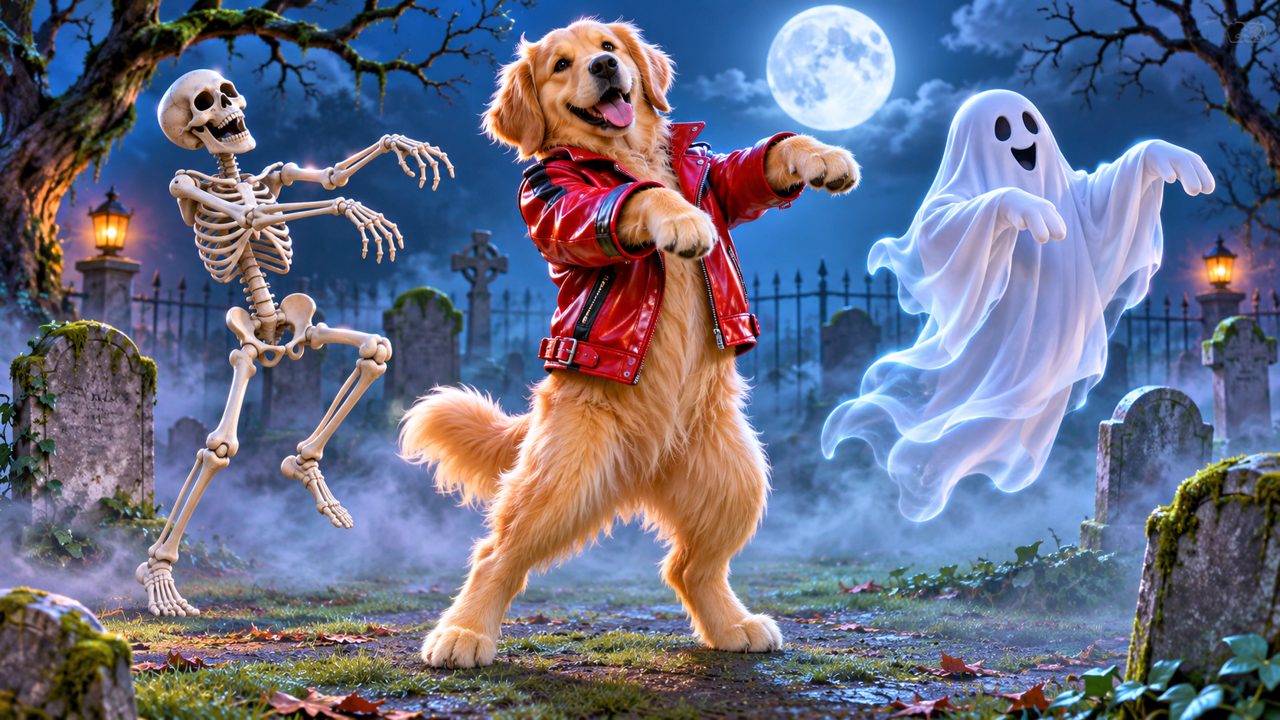
If you scroll through short-form video platforms, you will see a specific type of video repeating across different accounts. A dog, a cat, or a person performs the exact choreography of the classic zombie dance. The video lasts exactly 15 seconds. The subject of the video starts as a still image. The creator uploads one photo, and the software animates that single photo into a full dance routine. The trend relies on the visual contrast between a normal, static portrait and a complex, coordinated dance. A golden retriever sitting on a rug suddenly stands on two legs and performs stiff-armed zombie walks. A tabby cat resting on a chair drops to the floor and executes the marching steps. The output is always a 15-second Thriller zombie dance video. This predictable format allows viewers to recognize the trend immediately, regardless of whether the dancer is a pet or a human. The standardization of the 15-second duration means the videos fit perfectly into the continuous feed of mobile video applications. Creators do not need to film their pets moving; they only need one clear photograph to participate in the trend.
Where do people find tools to make these videos?
The demand for image-to-video animation has led users to search for various software options. When looking for ways to animate photos, people often look at platforms like kling.ai, freebeat.ai, magiclight.ai, viggle.ai, dreamfaceapp.com, and wigglepet.app. These domains appear frequently in search results and social media comments as users try to figure out how a still image of a dog can become a moving video. The trend grew as the technology to map human dance movements onto animal and human photos became accessible through web browsers. Instead of requiring complex video editing software or motion capture suits, the process now happens entirely through automated tools. Users share the results on their profiles, prompting their followers to ask how the video was made. This cycle of sharing and asking drives the search for tools that can turn one photo into a moving sequence. On our site, the focus is entirely on this specific routine. You can use the AI Thriller Dance Generator to create the exact 15-second video of your pet or yourself performing the zombie dance.
Why do people make these pet dance videos?
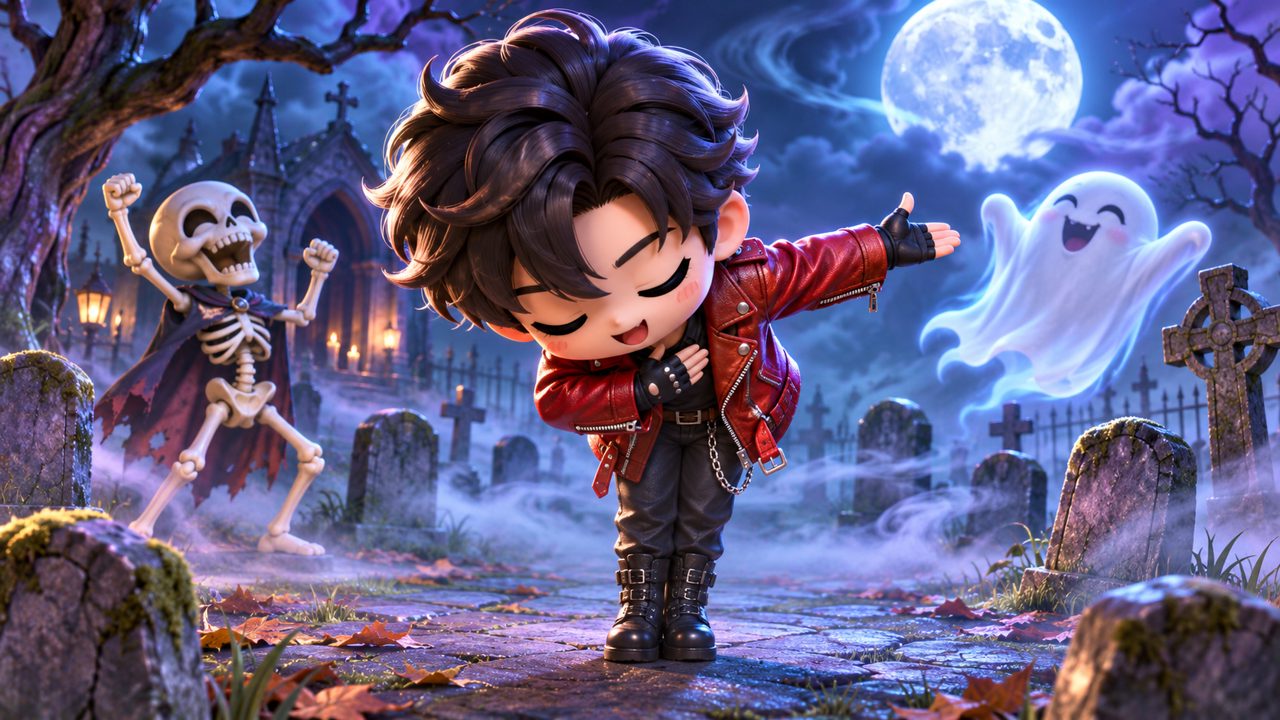
The primary reason people create these videos is to see their own pets performing actions that are physically impossible for animals. Dogs and cats do not walk on two legs with synchronized arm movements. By applying the zombie dance choreography to a pet, the owner gets a 15-second video of their animal acting like a human dancer. The appeal lies in the personalization. It is not a generic animated dog; it is a video generated from the owner's specific photo of their own dog. People also create these videos using photos of themselves, friends, or family members. The process requires only one photo, making it a low-effort way to generate a custom video. Once the video is generated, owners post it to their social media accounts. The recognizable nature of the zombie dance routine means viewers immediately understand the context of the video. If you want to see how this works specifically for animals, you can read our page on the Pet Thriller Dance AI. The resulting 15-second Thriller zombie dance video provides a distinct piece of media that owners save to their phones and share in direct messages or public feeds.
How do you choose the right photo for the video?
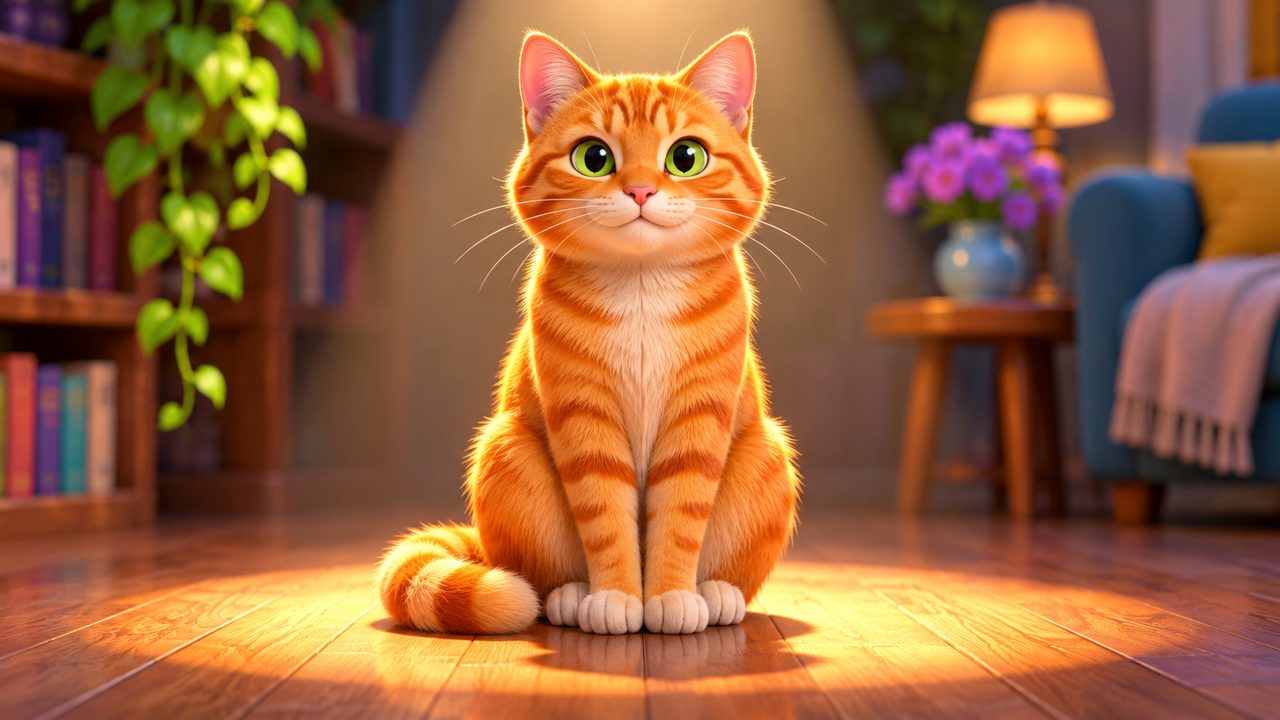
Because the tool requires only one photo to generate the 15-second Thriller zombie dance video, the quality of that single photo determines the final result. The software needs to identify the subject's face and body to map the dance movements accurately. A front-facing photo where the pet or person is looking directly at the camera works best. The subject should be clearly separated from the background. If the photo is too dark, the software may not distinguish the subject's limbs. If the photo is taken from a severe angle, the resulting dance animation may look distorted. The tool takes the pixels from the uploaded photo and stretches, moves, and redraws them to match the zombie dance choreography. Therefore, a clear, well-lit photograph without obstructions yields the clearest video. You can use a photo of yourself or a photo of your pet. The process is the same for both. You upload the image, and the system applies the movements. For more details on the generation process, you can read our Thriller dance AI guide.
What are the steps to create your own video?
Generating the video involves a straightforward sequence of steps on the website. First, you navigate to the tool. The site is available in two languages: English (en) and Chinese (zh). You can switch between these languages depending on your preference. Next, you must sign in to the platform. The site offers two methods for sign-in: you can use your Google account, or you can sign in with an email address. Once you are signed in, you upload your chosen photo. Remember, you only need one photo. After uploading, you confirm the generation. The system processes the image and creates the 15-second Thriller zombie dance video. You can then download the video to your device. If you have questions or encounter issues during the process, you can reach out to support via email at contact@aithrillerdance.com. The entire process occurs in your web browser, meaning you do not need to download a separate application to your computer or phone to create the video.
How much does a Thriller dance video cost?
Creating a video requires credits. The pricing structure is a one-time payment rather than a recurring subscription. You pay $5.00 one-time. This payment gives you 60 credits. These 60 credits are valid for 365 days from the date of purchase. You use these credits to generate the 15-second Thriller zombie dance video. The payment is processed securely through FloatPass. You do not need to worry about monthly charges, as the $5.00 fee is strictly a one-time transaction for the specific credit block. If you do not use all 60 credits immediately, they remain in your account for a full year (365 days). This allows you to generate a video of your dog today, and perhaps a video of yourself or a cat several months later, using the same block of credits. You can review this information at any time on our pricing page.
| Item | Detail |
|---|---|
| Required Input | One photo |
| Video Output | 15-second Thriller zombie dance video |
| Cost | $5.00 one-time |
| Credits Included | 60 credits |
| Credit Validity | 365 days |
| Payment Processor | FloatPass |
| Sign-in Options | Google, email |
| Supported Languages | en, zh |
What should you expect from the final video?
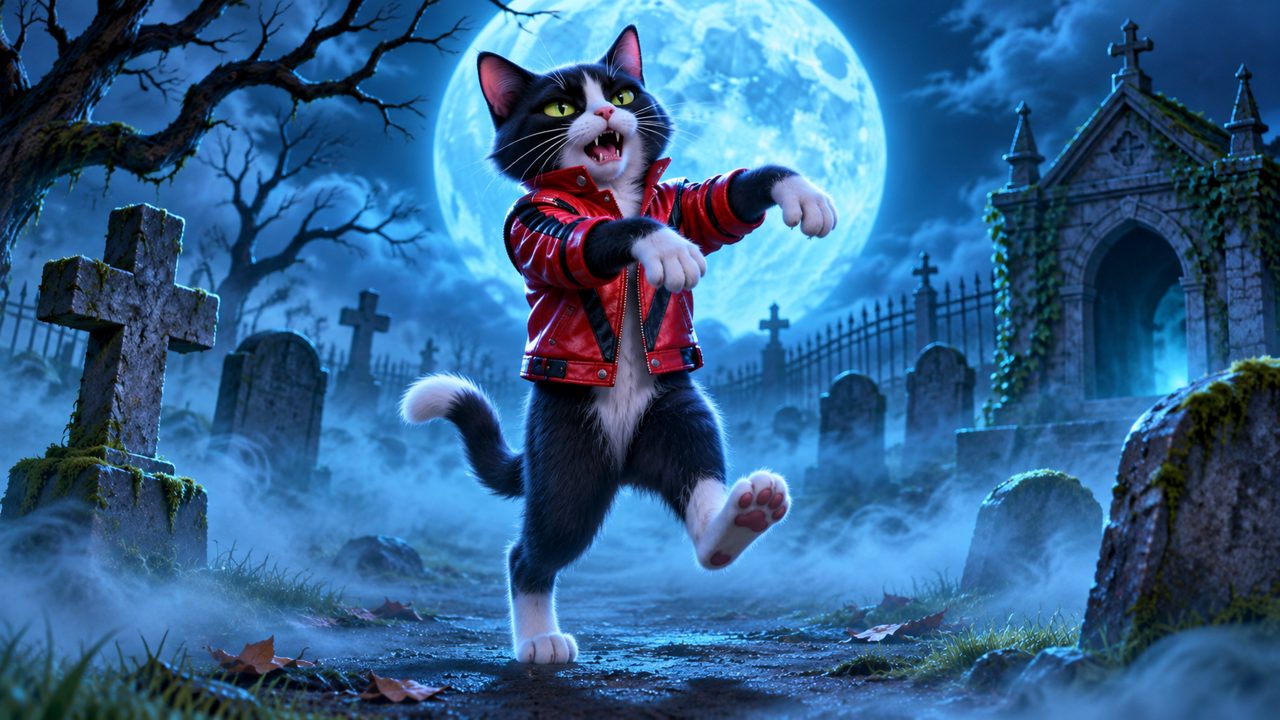
When the processing finishes, you receive a 15-second video file. In this video, the subject from your single photo will perform the zombie dance. The video will show the subject standing upright. The arms will move in the stiff, side-to-side motion characteristic of the routine. The head will jerk in time with the steps. The legs will perform the marching and sliding movements. Because the video is 15 seconds long, it captures the most recognizable segment of the choreography. You can watch the video on your computer or mobile device, and you can upload it directly to your social media accounts. The file is yours to keep and share. The 365-day validity of your 60 credits means you have ample time to experiment with different photos if the first result does not match your expectations. You might try one photo of your pet sitting and another of your pet standing to see how the software interprets the different postures. You can find more articles and updates about the tool on our blog.
Frequently asked questions
How many photos do I need to make a Thriller dance video?
You only need one photo of your pet or yourself to generate the video.
How long is the generated dance video?
The tool creates a 15-second Thriller zombie dance video.
How much does it cost to use the AI Thriller Dance Generator?
It costs a $5.00 one-time payment. This purchase gives you 60 credits, which are valid for 365 days.
What payment methods are accepted?
All payments are processed securely through FloatPass.
How do I sign in to the website?
You can sign in to the site using your Google account or your email address. The site is available in English (en) and Chinese (zh).