The best AI Halloween dance video generator turns a single photo of you or your pet into a 15-second Thriller zombie dance video. AI Thriller Dance does exactly this for a $5.00 one-time payment.
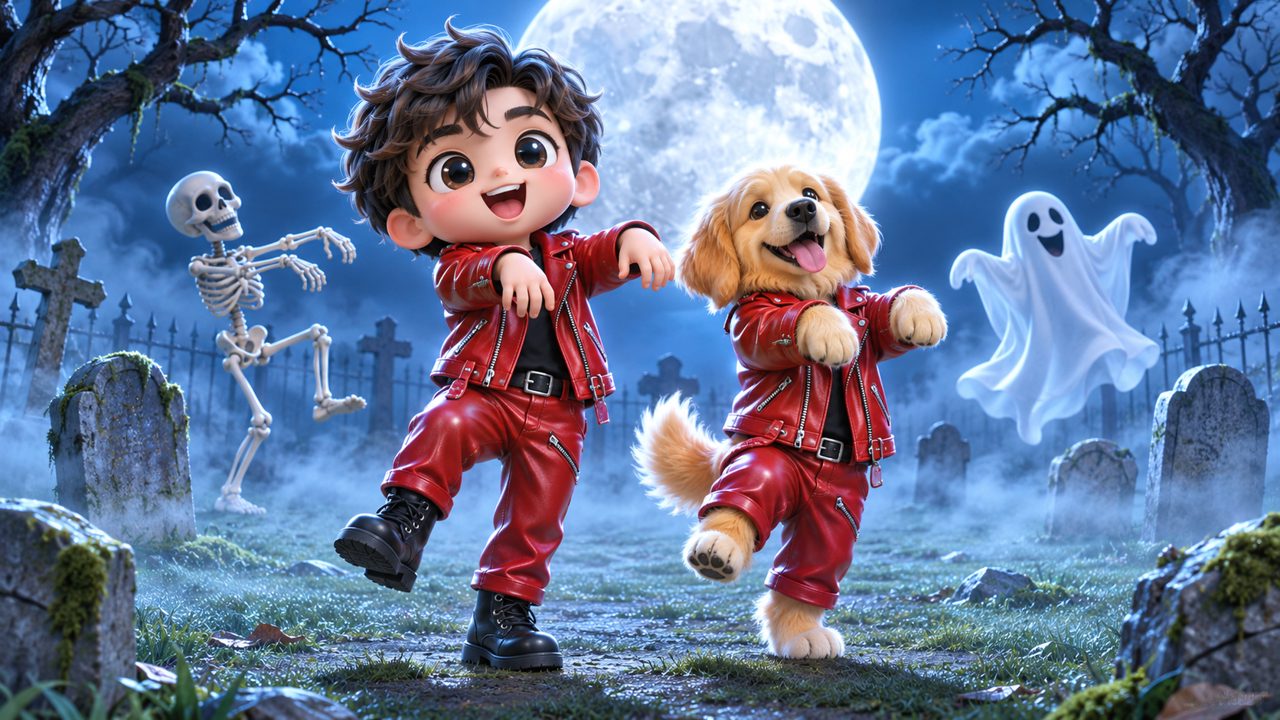
When you want to create a Halloween-themed video, you need a tool that takes your image and animates it. Evaluating the available options requires looking at specific criteria: the type of input the tool requires, the length of the video it produces, the subjects it can animate, and how it charges you for the service. You also need to consider how you log in, how payments are processed, and the languages supported by the platform. This guide breaks down these criteria to help you decide which tool fits your requirements for generating a zombie dance.
How do you choose an AI Halloween dance video generator?
Choosing a tool depends on what you want to animate and how much money you want to spend. The primary criteria include the input requirements, the output specifications, and the pricing structure.
First, look at the input. You need to know how many photos the tool requires to generate the animation. Some systems require complex inputs, while others are simpler.
Second, check the output duration. Video generators produce clips of varying lengths. You need to know exactly how many seconds of video you will get before you pay.
Third, consider the subject matter. Some generators focus strictly on human faces, while others allow you to animate animals. If you want to animate a dog or a cat, you must verify that the tool supports pets.
Fourth, examine the payment model. Generators either charge a monthly subscription or offer one-time payments per video. You should also look at how long the credits remain valid if the tool uses a credit system.
Finally, consider the technical requirements for access. Look at the login methods and the payment processors the site uses. You can compare these criteria in the table below.
| Feature | AI Thriller Dance Specification |
|---|---|
| Input Required | One photo |
| Supported Subjects | Your pet or yourself |
| Output Duration | 15-second video |
| Pricing Model | One-time payment |
| Cost | $5.00 |
| Credits Received | 60 credits |
| Credit Validity | 365 days |
| Payment Processor | FloatPass |
| Sign-in Methods | Google, email |
| Supported Languages | en, zh |
What input does the video generator require?
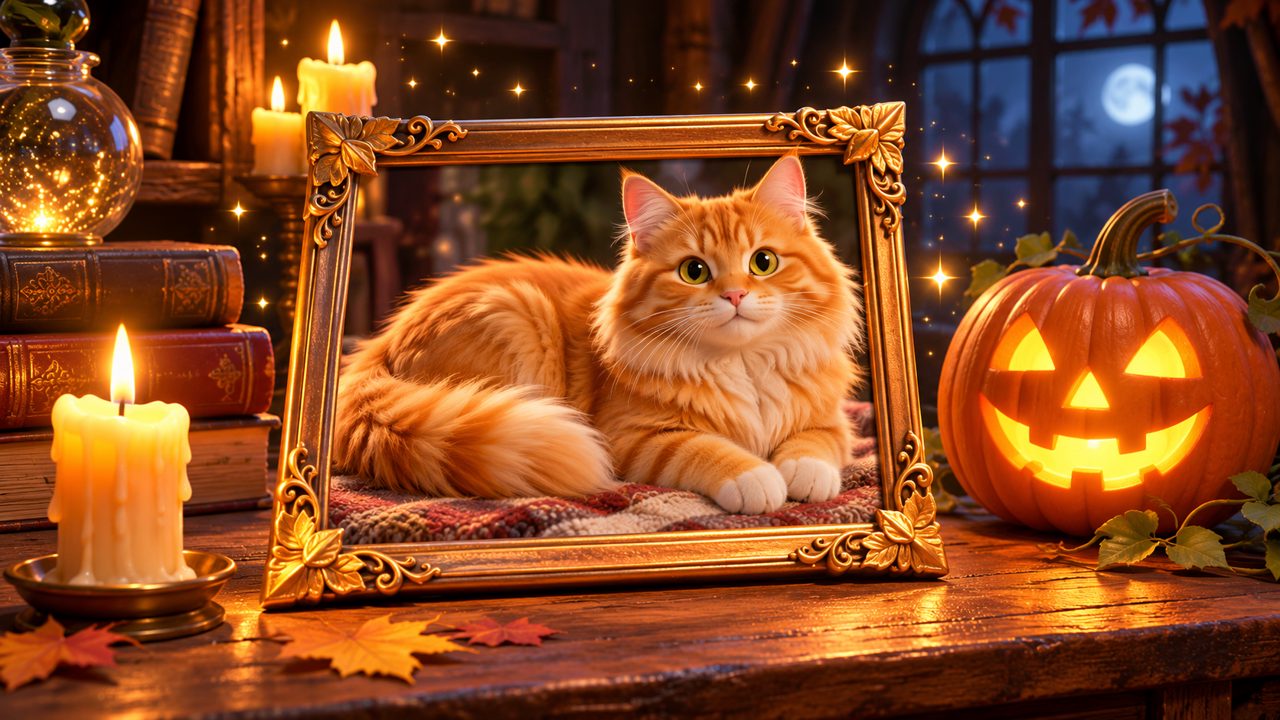
The input requirement is a major factor in selecting a video generator. To use AI Thriller Dance, you need exactly one photo. You do not need to upload a 3D scan, a video clip, or multiple angles of the subject. The tool is built to work with a single static image.
When you provide this one photo, the system uses it as the source material for the animation. The generator maps the photo onto the pre-set animation of the Thriller zombie dance. Because it only requires one photo, the preparation time is minimal. You select a photo from your computer or phone, ensure it clearly shows the subject you want to animate, and upload it to the site. If you are animating your pet, you can read more on the Pet Thriller Dance AI page. The simplicity of using one photo means you do not have to spend time gathering a large dataset of images.
How long is the generated Thriller dance video?
Output duration dictates how you can use the final file. Some tools produce very short loops of three to five seconds. The AI Thriller Dance generator produces a 15-second Thriller zombie dance video.
A 15-second video provides enough time to show the recognizable sequence of the zombie dance. This duration is a fixed parameter of the service. Every time you submit a photo and run the generator, the resulting video will be exactly 15 seconds long. You do not have to configure timelines or set start and end points. You provide the single photo, and the output is always the 15-second clip. This standardization ensures you know exactly what length of video you are purchasing before you begin the generation process.
Can you use photos of pets for the zombie dance?
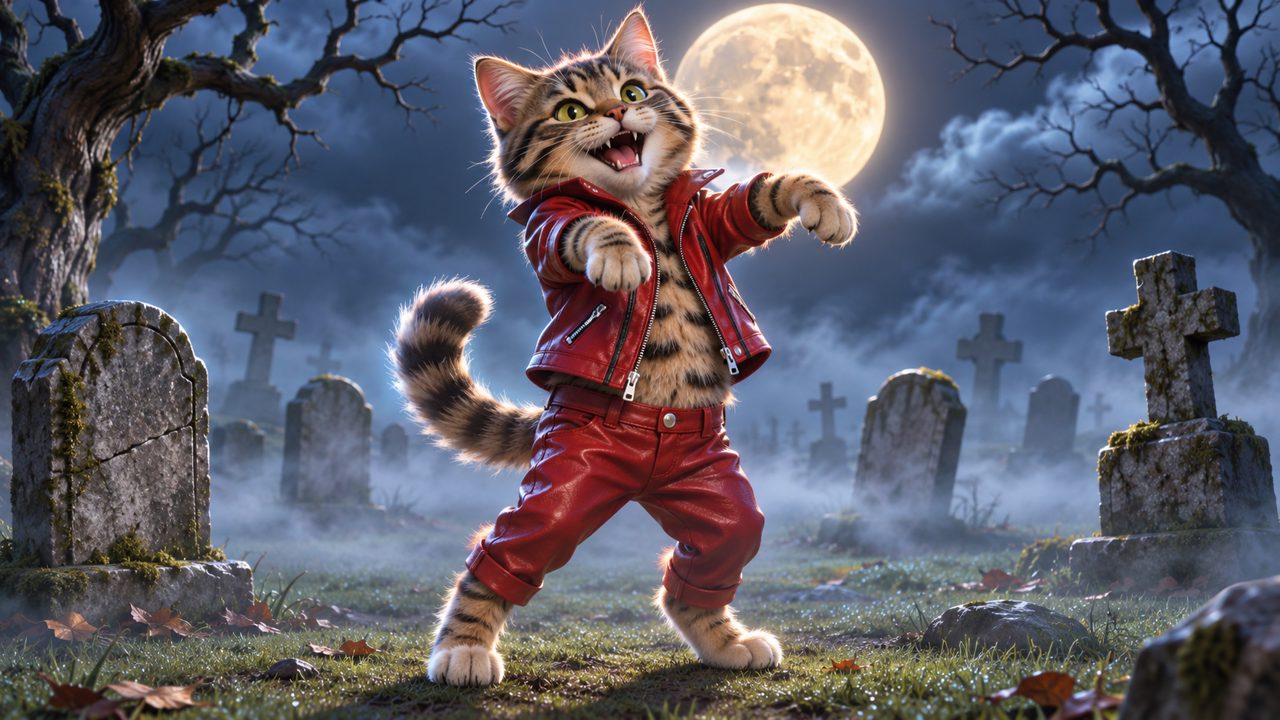
Subject compatibility varies across different platforms. Many AI video tools are trained specifically on human faces and bodies. If you attempt to upload a photo of a dog or a cat to a human-only tool, the output will fail or distort.
The AI Thriller Dance tool is configured to accept photos of your pet or yourself. This means you can upload a picture of your dog, your cat, or your own face, and the system will apply the Thriller zombie dance to that subject. Animating pets is a specific function of the site. If you want to see your pet performing the routine, the tool processes the animal's photo just as it processes a human photo. You can find more details in the Thriller dance AI guide. The ability to choose between yourself or your pet gives you two distinct options for your Halloween video.
How does the pricing and credit system work?
Pricing structures determine the final cost of your video. You must know if you are signing up for a recurring charge or making a single purchase. For more details, you can view the pricing page.
AI Thriller Dance uses a one-time payment model. The cost is $5.00 for one Thriller Dance Video. There are no monthly subscription tiers.
When you pay the $5.00, you receive 60 credits. These 60 credits correspond to the generation of one video. The credits you purchase are valid for 365 days from the date of the transaction. This means you do not have to generate the video immediately after purchasing the credits. You have a full year to select your photo and run the generator. This 365-day validity period allows you to buy the credits now and wait until you have the exact photo you want to use.
Payments on the site are processed through FloatPass. You do not enter your payment details directly into the AI Thriller Dance site; instead, the transaction is handled securely by the FloatPass system. This is the sole payment gateway used for acquiring the 60 credits.
What other tools do people look at for AI dance videos?
When searching for an AI Halloween dance video generator, people also look at several other domains. These sites offer various video and image animation services. People frequently check kling.ai, freebeat.ai, and magiclight.ai. Other domains that appear in searches for this type of software include viggle.ai, dreamfaceapp.com, and wigglepet.app. Each of these sites operates differently, and they are simply other places people look when researching video generation. They are part of the broader landscape of tools available when you are deciding how to animate a photo.
How do you start making your Halloween video?
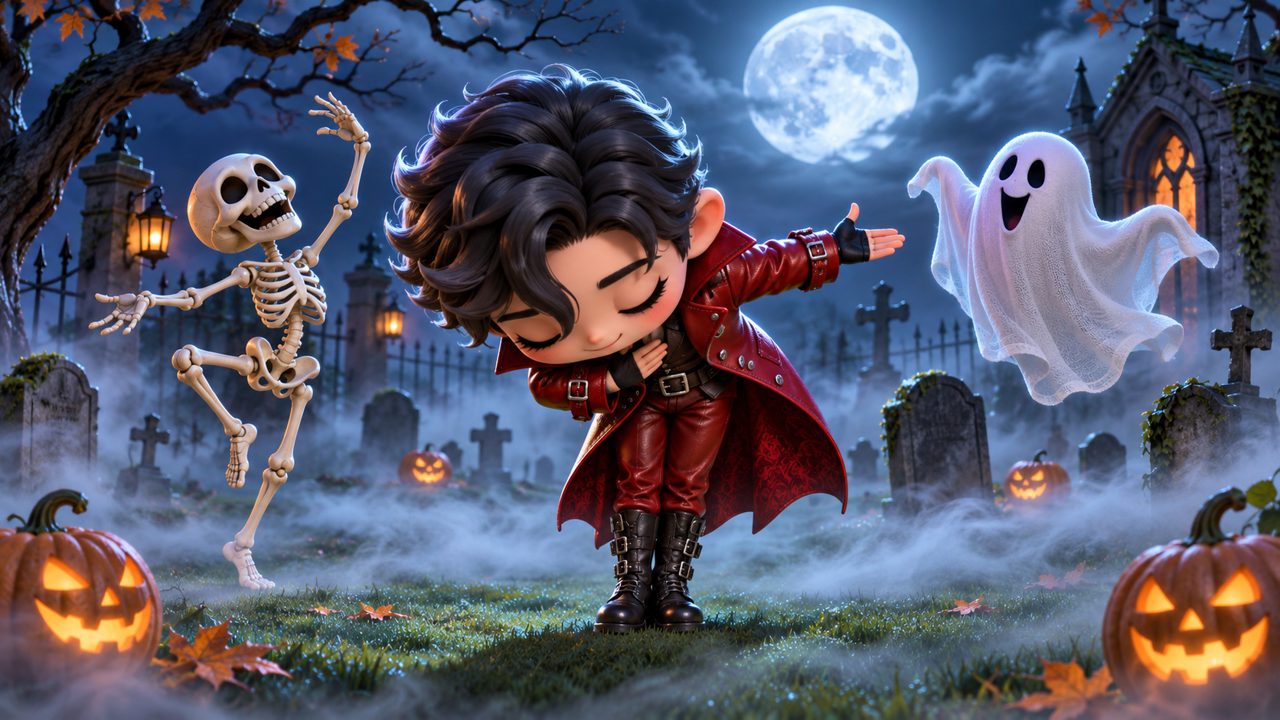
To begin using the tool, you must create an account or sign in. The AI Thriller Dance site offers two methods for signing in: Google and email.
Using Google allows you to authenticate with your existing Google account credentials. If you prefer not to link your Google account, you can sign in using a standard email address. Both methods provide access to the platform where you can manage your credits and uploads.
Once you sign in, the process involves three main steps. First, you purchase the 60 credits for $5.00 via FloatPass. Second, you upload the one photo of your pet or yourself. Third, you initiate the generation process to receive your 15-second Thriller zombie dance video.
The site is available in two languages: English (en) and Chinese (zh). You can navigate the interface in either language to complete your purchase, read the blog, and generate your video. If you have questions about your account, the 365-day validity of your credits, or the generation process, the site lists a contact email: contact@aithrillerdance.com. You can reach out to this address for support regarding your $5.00 one-time purchase or any issues with logging in via Google or email.
Frequently asked questions
How much does it cost to make a Thriller dance video?
One Thriller Dance Video costs a $5.00 one-time payment. This purchase gives you 60 credits to generate your video.
How long are the credits valid?
The 60 credits you purchase are valid for 365 days. You have a full year to use them for your video generation.
What kind of photo do I need to upload?
You need to upload one photo of your pet or yourself. The AI uses this single photo to create the 15-second animation.
How long is the final video?
The tool generates a 15-second Thriller zombie dance video.
How do I pay for the video?
Payments are processed securely through FloatPass. You can sign in using Google or your email to complete the transaction.